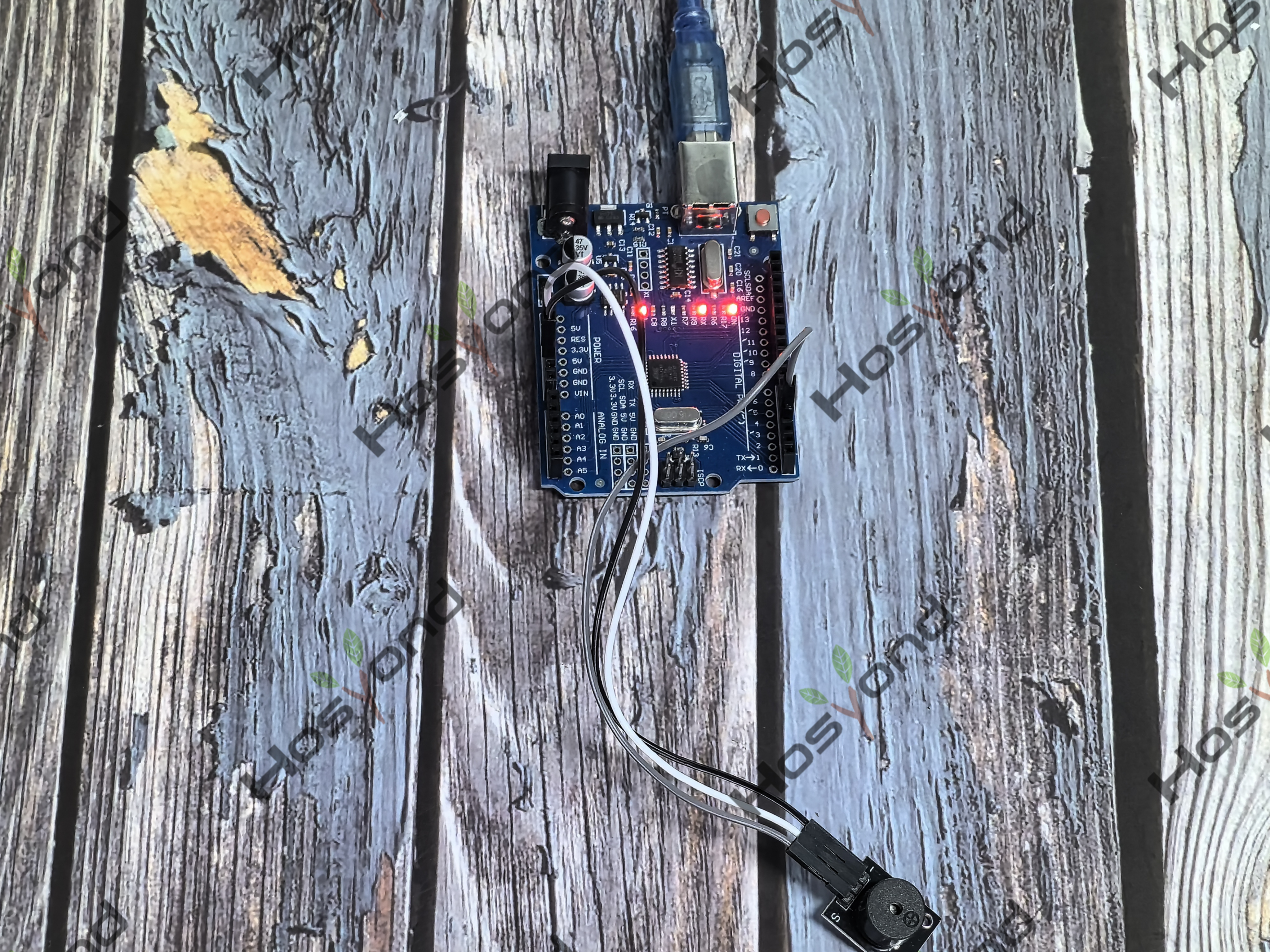
Project12.Passtive Buzzer
Description
We can use Arduino to make many interactive works of which the most commonly used is acoustic-optic display. The circuit in this experiment can produce sound.
Normally, the experiment can be done with a buzzer or a speaker, while buzzer is simpler and easier to use.
The buzzer we introduced here is a passive buzzer. It cannot be actuated by itself, but by external pulse frequencies. Different frequencies produce different sounds. You can use Arduino to code the melody of a song, quite fun and simple.
Specification
Working voltage: 3.3-5v
Interface type: digital
Size: 30*20mm
Weight: 4g
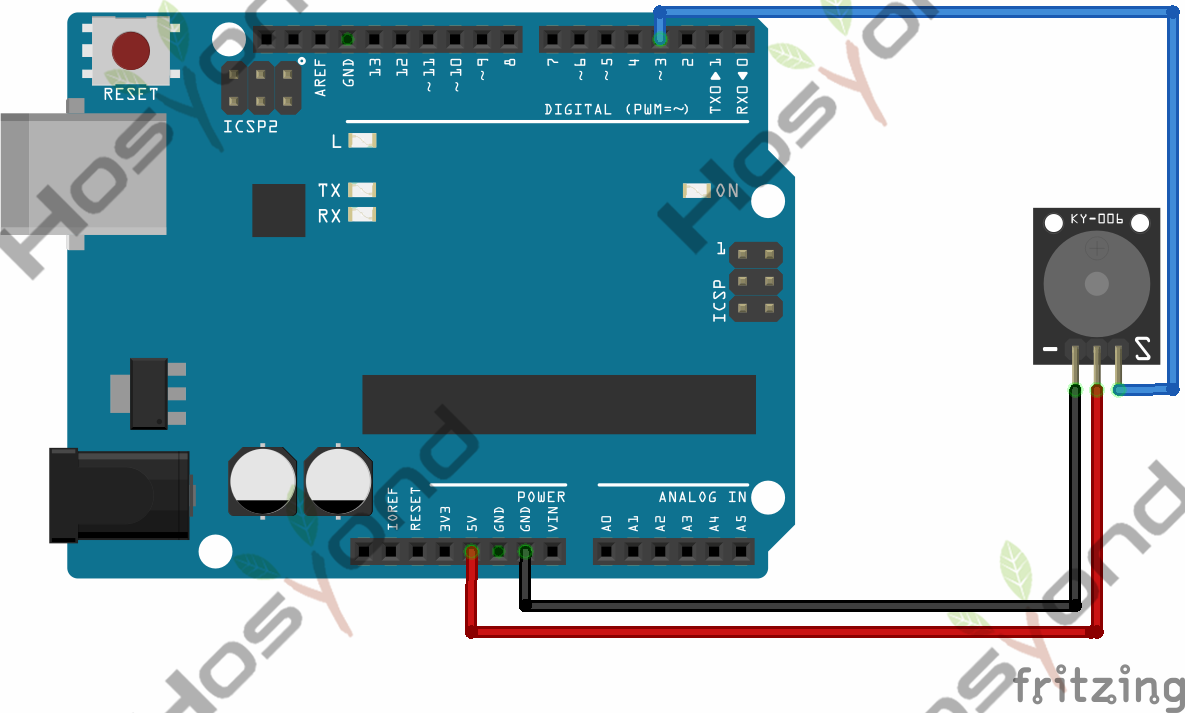
Connect
Code
int buzzer=3;//set digital IO pin of the buzzer
void setup()
{
pinMode(buzzer,OUTPUT);// set digital IO pin pattern, OUTPUT to be output
}
void loop()
{ unsigned char i,j;//define variable
while(1)
{ for(i=0;i<80;i++)// output a frequency sound
{ digitalWrite(buzzer,HIGH);// sound
delay(1);//delay1ms
digitalWrite(buzzer,LOW);//not sound
delay(1);//ms delay
}
for(i=0;i<100;i++)// output a frequency sound
{
digitalWrite(buzzer,HIGH);// sound
digitalWrite(buzzer,LOW);//not sound
delay(2);//2ms delay
}
}
}
Phenomenon